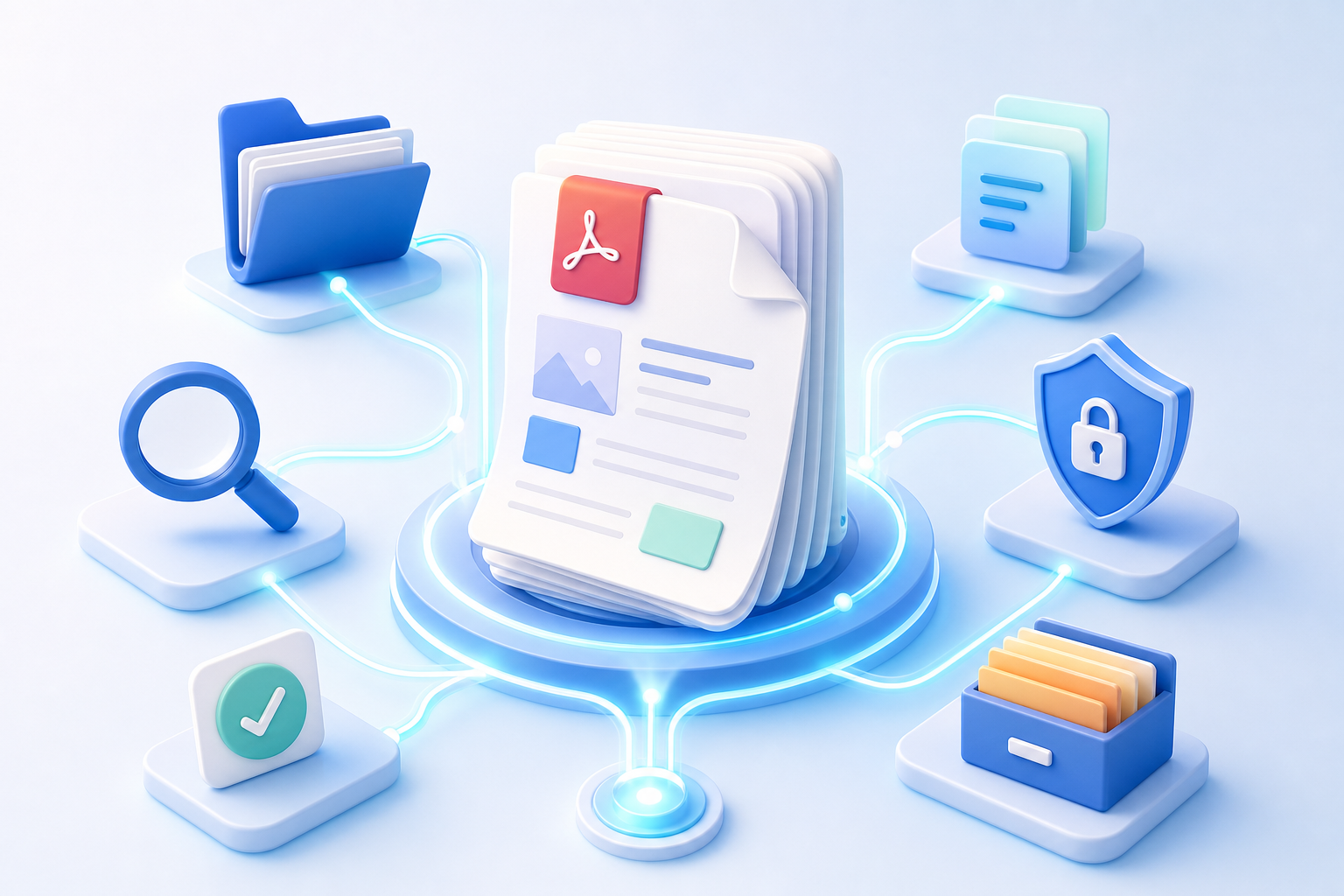
AI document management software turns a passive file archive into a searchable working system. Instead of opening folders one by one, teams can use optical character recognition (OCR), natural-language search, automatic tags, summaries and workflow rules to find and act on information.
But “AI document management” covers several different jobs. A legal team looking for clauses needs something different from a small business digitizing receipts. Before choosing a product, identify whether your main need is storage, extraction, understanding, collaboration or PDF preparation.
What to look for in an AI document management tool
- OCR and data extraction: turns scans into searchable text and captures fields such as dates, totals and names.
- Semantic search: finds a concept even when the document uses different wording.
- Summaries and Q&A: reduces the time spent reading long reports and policies.
- Classification: applies document types, tags, retention rules or destinations automatically.
- Integrations: connects files to email, cloud storage, e-signatures and business systems.
- Security: provides access controls, audit history, encryption and clear data-handling terms.
12 AI document tools worth evaluating
1. Microsoft SharePoint and Microsoft 365 Copilot
A natural fit for organizations already using Microsoft 365. SharePoint handles controlled storage, permissions and collaboration, while Copilot can help users locate and understand information they are authorized to access. It is strongest when documents already live inside the Microsoft ecosystem.
2. Google Drive with Gemini
Google’s workspace is practical for collaborative documents and shared drives. Its AI layer can help summarize and retrieve information across supported workspace content. It suits teams that value live collaboration and already organize work around Google accounts.
3. Box AI
Box combines enterprise content management with AI-assisted questions, summaries and metadata. It is aimed at organizations that need governance and integrations around a central content cloud, not simply a place to edit one PDF.
4. Dropbox Dash and Dropbox AI features
Dropbox focuses on file synchronization and accessible search. Its AI capabilities can shorten the path from a broad file collection to a relevant answer, particularly for teams whose knowledge is scattered across common work apps.
5. Notion AI
Notion works well when documents are part of a wider knowledge base of projects, notes and databases. It is useful for drafting, summarizing and transforming internal knowledge, although it is not a traditional records-management system.
6. Adobe Acrobat AI Assistant
Acrobat’s AI features are designed around reading and questioning PDFs. It is a logical choice for people who spend much of their day inside Acrobat and need conversational help with reports, contracts or research documents.
7. M-Files
M-Files organizes information around metadata rather than forcing users to remember a folder path. Its approach can help regulated teams connect content, context and workflow rules across repositories.
8. DocuWare
DocuWare targets document capture and business processes such as invoices, approvals and employee records. It is best evaluated as an automation platform, with implementation effort balanced against the time saved on repeatable operations.
9. Laserfiche
Laserfiche combines content services, forms and process automation. It is often considered by organizations that need controlled workflows and records governance along with intelligent capture.
10. Rossum
Rossum specializes in intelligent document processing. It extracts structured data from transactional documents and routes exceptions for review, making it more focused than a general cloud drive.
11. ABBYY intelligent document processing
ABBYY is known for OCR and document data extraction. It is relevant when scanned input, multilingual recognition or structured capture accuracy is the core requirement.
12. GoPDFTools
GoPDFTools is the lightweight companion in this list. It does not replace enterprise records software; it handles the practical PDF work that comes before or after AI: merge source files, split unnecessary pages, compress a large PDF, or turn scanned images into one PDF. Common workflows run in the browser, so users can prepare a clean input without adding another upload step.
A better AI document workflow
- Standardize the input. Rotate pages, remove irrelevant sheets and use one consistent file format.
- Combine related material. Use Merge PDF to create one case file, application or report packet.
- Reduce file size. Compress oversized documents before they hit an AI tool’s file limit.
- Run OCR or extraction. Verify names, dates and totals instead of assuming perfect recognition.
- Use AI for understanding. Ask for summaries, risks, comparisons or next actions.
- Keep a source of truth. Store the original and record which output was AI-generated.
Privacy questions to ask before uploading
Find out where processing occurs, whether uploaded files train a model, how long content is retained, who can access it and whether administrators can audit actions. Avoid putting highly sensitive material into a consumer AI service unless its terms and controls fit your requirements.
For basic PDF preparation, local browser processing can reduce exposure. That is why a no-upload PDF workflow pairs well with an AI platform: clean the file first, then share only the minimum material needed for analysis.
Prepare documents before AI analysis
Combine related PDFs, remove unnecessary pages and shrink the final file with fast GoPDFTools utilities.
Merge PDFsCompress PDFSplit PDFFrequently asked questions
What is AI document management?
It is the use of OCR, machine learning and language models to capture, classify, search, summarize and route documents.
Can AI organize PDF files automatically?
Yes. Depending on the platform, AI can recognize document types, extract metadata, suggest tags and route files. Human review remains important for sensitive or regulated work.
What is the best free tool for preparing PDFs for AI?
GoPDFTools provides focused browser-based utilities to merge, split, compress and convert PDFs without requiring a full document-management subscription.